Destiny 2 Armorpicker has become one of the most talked‑about tools for Destiny 2 players of all levels. Whether you are new to the game or have played for years, getting the right gear and stats matters. With complex builds, stats, mods, and subclass choices, many players struggle to find the best armor setup. This is where destiny armorpicker shines as a powerful tool that helps you make smart decisions fast.
In this article, you will learn what Destiny Armorpicker is, how it works, why you need it, and ways to use it to improve your gameplay. We will explain each concept in clear, simple English so you can apply the knowledge right away.
What Is Destiny Armorpicker?
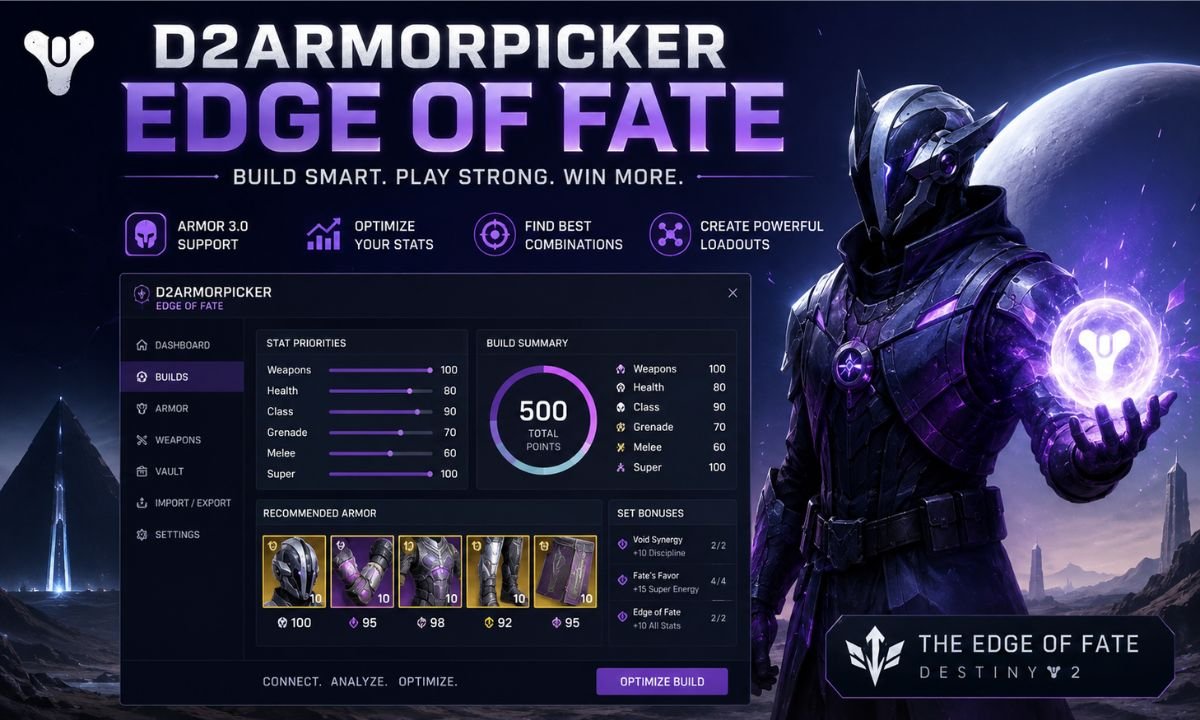
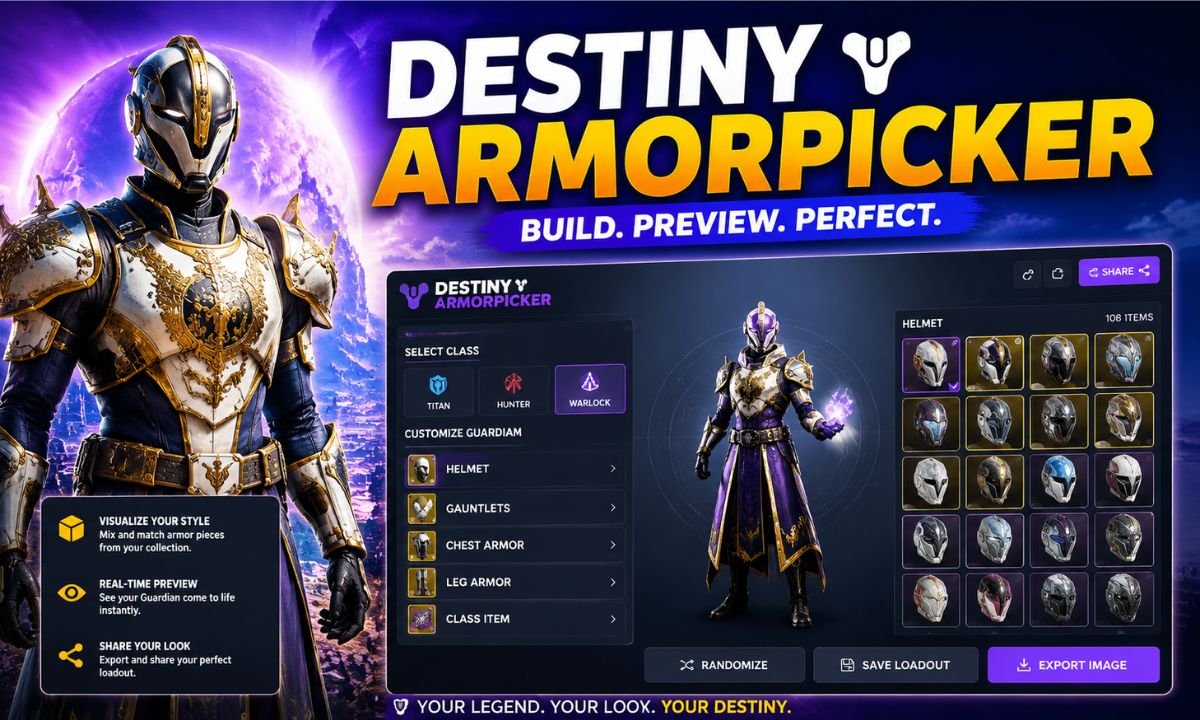
The destiny armorpicker is a third‑party online tool that helps players optimize their armor and stats in Destiny 2. It works by analyzing the gear you own and suggesting combinations that reach specific stat goals.
In Destiny 2, each piece of armor affects your character’s stats, such as Mobility, Resilience, Recovery, Discipline, Intellect, and Strength. Getting the perfect balance of these stats often takes a lot of time and trial. Destiny Armorpicker saves you that time by showing the best possible builds based on what you have.
This tool is not developed by Bungie, the creators of Destiny 2, but it uses Bungie’s official API to read your gear and suggest optimal builds.
Why Gear and Stats Matter in Destiny 2
In Destiny 2, your character gets stronger through armor, weapons, and abilities. Armor not only protects your character but also boosts important stats. These stats give you advantages in combat, abilities, and movement.
Here are the main stats you see in Destiny 2:
| Stat Name | What It Affects |
| Mobility | Movement speed and slide distance |
| Resilience | How much damage can you take |
| Recovery | How fast you regain health |
| Discipline | Cooldown speed for your grenades |
| Intellect | Super ability cooldown speed |
| Strength | Melee ability cooldown speed |
Each class (Titan, Hunter, Warlock) uses these stats in different ways. So finding the right balance is key to performing well in PvE (player vs environment) or PvP (player vs player) activities.
How Destiny Armorpicker Works
Using destiny armorpicker starts with connecting your Destiny 2 account. The tool needs access to your inventory so it can read your armor pieces and stats. Once connected, it pulls your character data and lists all the armor you own.
Then, you choose the stat targets you want to reach. For example, if you want to hit 100 Discipline and 100 Strength at the same time, you set those goals. The tool then finds every combination of armor pieces and mods that can meet those goals.
When the tool finds valid combinations, it ranks them from best to worst based on how closely they reach your stat goals. This makes it much faster than trying every gear piece manually.
Step‑by‑Step Use of the Tool
To use destiny armorpicker properly, you follow a simple process. Each step is easy to understand and helps take full advantage of the tool’s features.
1. Login With Bungie Account
You sign in using your Bungie login so the tool can read your game character data without asking for your password. The tool uses a safe system that protects your privacy.
2. Select Your Character
After logging in, you choose which character you want to optimize. Many players have multiple characters, and each can have very different armor.
3. Set Target Stats
You then enter the stats you want to reach. These could be goals like:
- Maximum Recovery
- Balanced stats for PvE
- High Discipline for quick grenade cooldown
4. Select Armor Mods
Armor mods change your stats and often affect gameplay more than raw armor values. The tool lets you pick the mods you want to use, so it can include them in the calculations.
5. Generate Builds
Once everything is set, the tool runs its calculations and shows you the best armor combinations that meet your goals.
Benefits of Using Destiny Armorpicker
Using destiny armorpicker gives players many advantages. The most important benefit is that it saves you time. Instead of manually testing every gear piece, the tool does the hard work for you.
The second benefit is accuracy. The tool often finds better combinations than what players might guess on their own. This means you get stronger builds for activities that matter to you.
Another benefit is planning. Once you know what pieces and mods make the best build, you can focus on finding or earning the gear you still need.
Armor Mods Explained
Armor mods are special enhancements that you place on your armor to boost stats or add effects. They play a big role in whether you reach your target stats. Some mods give extra stat points, while others change ability recharge times.
| Mod Name | Effect |
| Stat Boost Mod | Adds a small amount of a specific stat |
| Ability Mod | Speeds up ability cooldowns |
| Resilience Mod | Adds resilience to help take more damage |
By including armor mods in your build, you can reach stat goals that might seem impossible without them.
Best Uses for Destiny Armorpicker
There are many reasons players use this tool. Some players only use it when they want the best possible stats for high‑level content like raids or endgame PvE. Other players rely on it daily to quickly test new gear sets.
Here are a few scenarios where the tool shines:
- When preparing for Nightfall or Raid activities, and you want perfect stats
- When trying new weapon loadouts and needing a fast way to adjust stats
- When you don’t want to guess which armor pieces to keep or dismantle
- When you want to build triple‑stat goals like 100/100/100 combinations
This tool makes these tasks easier and more efficient than manual planning.
Pros and Cons of Destiny Armorpicker
Like any tool, destiny armorpicker has strong points and limitations. It is powerful and helpful, but it also requires a basic understanding of Destiny 2 gear systems.
Here is a simple list to help you understand:
| Pros | Cons |
| Saves time | May not include the newest gear instantly |
| Gives accurate builds | Requires Bungie login access |
| Works for all characters | Can be confusing for beginners |
The pros far outweigh the cons for many users, and the tool continues to improve over time.
How to Improve Your Builds Using the Tool
Once you learn how to use the tool well, you also learn how to improve your builds in-game. Here are some tips to make the most out of the tool:
First, try different stat goals. Don’t always aim for the highest numbers. Some activities require certain abilities more than max stats. The tool lets you test many combinations, so experiment.
Second, keep your gear updated. The tool works best when it has the full picture of your inventory. If you earn new armor, log in again and update your selection.
Third, choose mods intentionally. Some mods might give small boosts that make a big difference in your final build.
By following these tips, you can push your character farther than you thought possible.
Safety and Privacy
Because the destiny armorpicker is a third‑party tool, it is important to think about safety. The tool uses Bungie’s official login system and only reads information it needs to help build your stats. It does not ask for your password or personal data.
Always double‑check the website address to be sure you are using the correct tool. If a site looks fake or unsafe, do not log in.
The Future of Destiny Armorpicker
As Destiny 2 continues to grow with new expansions, the needs of players change. The destiny armorpicker also grows, adding new features, support for new armor sets, and better mod support.
Players can expect updates that:
- Add support for new expansions
- Improve calculation speed
- Include recommended builds for popular activities
- Add mobile‑friendly views
This means the tool will stay relevant and useful even as the game evolves.
Conclusion
Destiny Armorpicker is a game‑changing tool for Destiny 2 players who want optimized armor and statistics. It gives players the power to find strong builds fast and make better decisions in the game. Whether you play casually or competitively, using this tool can make your Destiny 2 experience more fun and efficient.
With clear steps, smart recommendations, and accurate results, the tool has earned its place in the toolkit of players everywhere. Try it today and see how your character gets stronger with each build you create.
FAQ: Destiny Armorpicker
Q1: What is Destiny Armorpicker?
A: Destiny Armorpicker is a third-party tool that helps Destiny 2 players optimize their armor, stats, and mods for stronger builds.
Q2: Is Destiny Armorpicker safe to use?
A: Yes, it uses Bungie’s official login system to read your gear. Always access the official website to ensure safety.
Q3: Can I use Destiny Armorpicker for all classes?
A: Absolutely. The tool supports Titans, Hunters, and Warlocks, helping you create optimized builds for each class.
Q4: Do I need mods to reach max stats with Destiny Armorpicker?
A: Mods are optional but highly recommended, as they help you reach stat goals faster and create more effective builds.
Q5: How often should I update my gear in the tool?
A: Update your inventory after earning new armor or mods so the tool calculates the most accurate builds.