For Destiny 2 players around the world, optimizing armor can be one of the most frustrating parts of the game. You find gear with great stats, but putting everything together to reach the perfect balance feels hard. This is where armorpicker and specifically d2 armorpicker come in. It has become one of the best tools players use to build the strongest armor setups in Destiny 2 without guesswork or tiring trial and error.
In this article, you will learn everything about this tool. You will understand what it does, how it works, why players trust it, and how to use it to improve your Destiny 2 experience. We also talk about some smart tips and things beginners usually miss.
What Is D2 ArmorPicker?
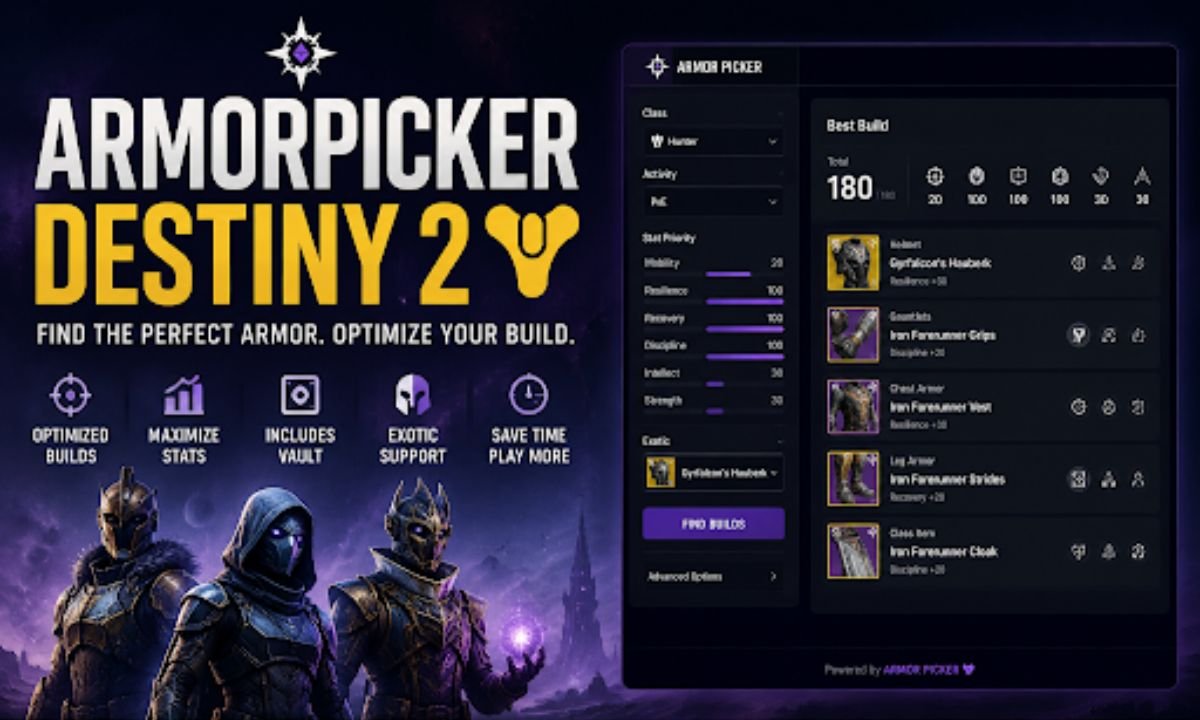
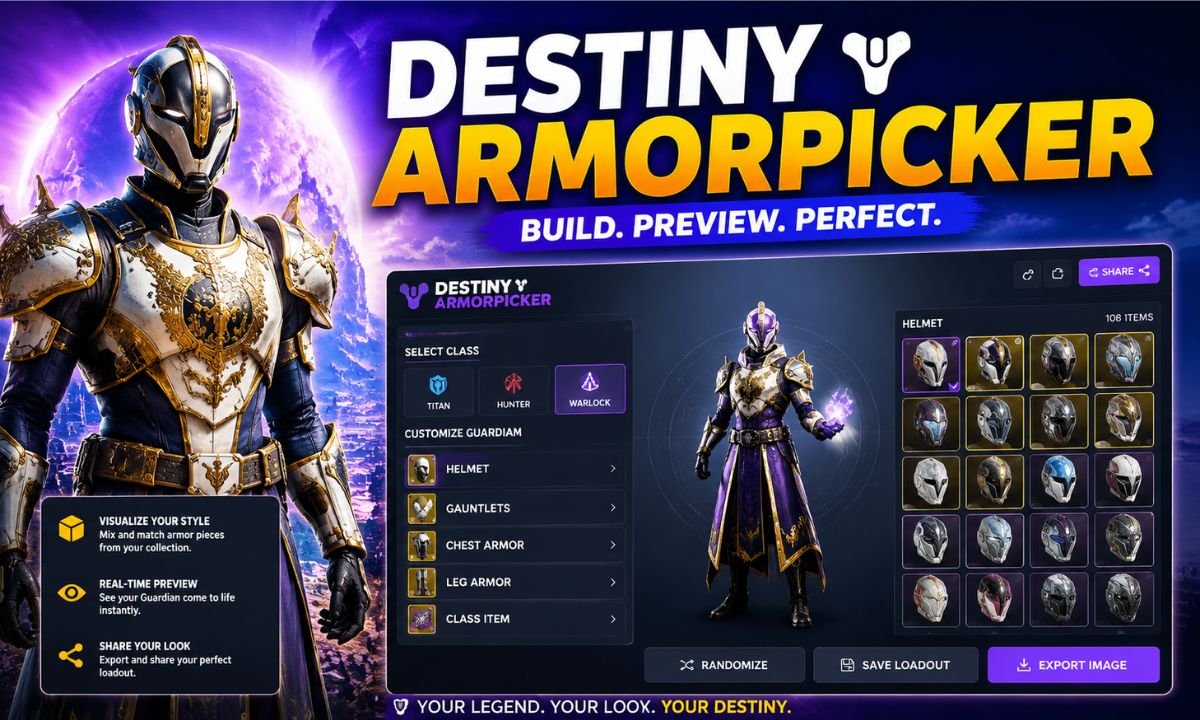
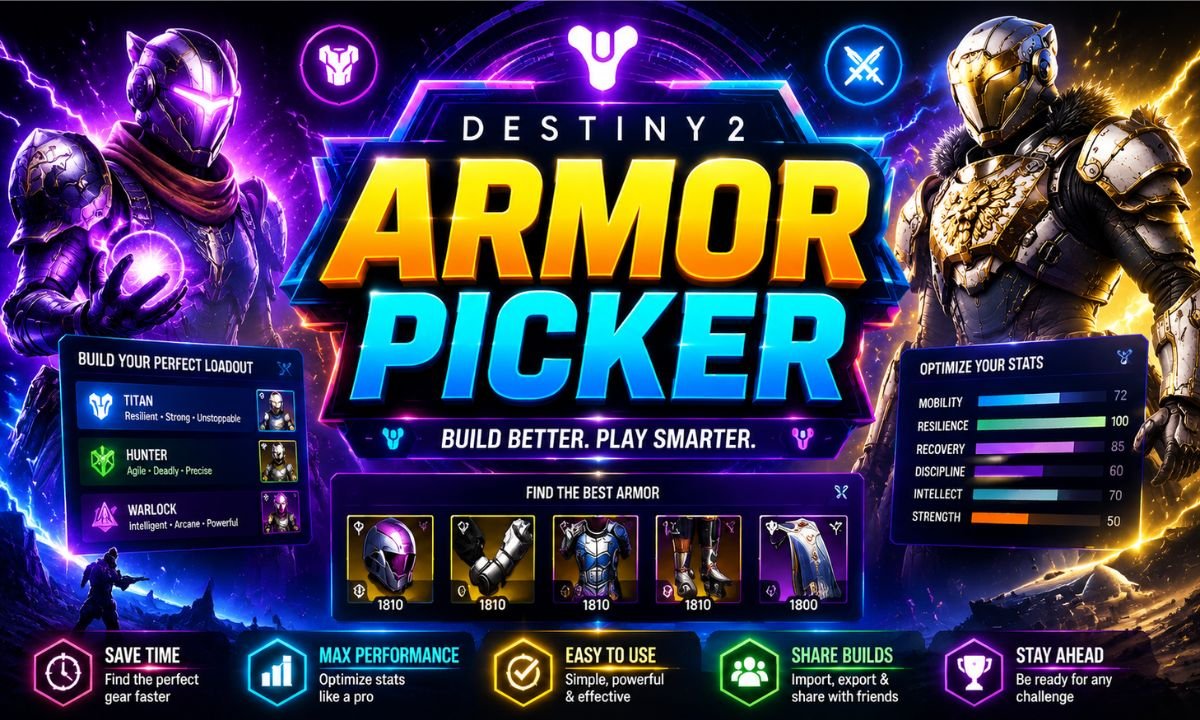
d2 armorpicker is a third‑party web tool built for Destiny 2, designed to help players create perfect armor combinations. Destiny 2 armor can have many stats like resilience, mobility, recovery, intellect, discipline, and strength. Each stat affects the way your character performs in combat.
Most players know that combining armor pieces matters, but they often don’t know how to do it the best way. Manually checking every piece in your vault takes hours. ArmorPicker solves this by scanning all your armor and showing you the best builds based on your goals.
This tool connects to your Bungie account (the official developer of Destiny 2) and quickly reads your vault and character gear. Then it gives you real‑time suggestions for the best possible combinations. It is safe because you only log in with your Bungie login system, and ArmorPicker never sees your password.
Many players ask whether it cheats or gives unfair advantage. The answer is simple. It doesn’t change the game, it just helps you understand your gear better. This means you still play the game by the rules. You just play smarter.
Why Players Use D2 ArmorPicker
Players choose d2 armorpicker for many reasons. One major reason is the time it saves. Destiny 2 has thousands of armor rolls with randomly generated stats. When you pick gear for a specific activity like raids or competitive PvP, you want the best stats possible.
Before tools like ArmorPicker, players would try on different pieces, check stats one by one, and write them down. That was slow and confusing. Now, ArmorPicker does all the heavy work in seconds.
Another reason players love it is accuracy. The tool not only finds the best armor, it also suggests the right mods to add. Mods are items that improve your abilities and stats. Choosing the wrong mods can weaken your build or make it less effective for the activity you want to play.
Plus, the tool works for all game modes. Whether you are focusing on PvE, PvP, Nightfalls, or raids, ArmorPicker can help. It lets you choose the stat priorities you want, and then it builds the best setup from your armor pool.
As Destiny 2 becomes more complex, tools like this have become almost essential. They help players spend more time playing and less time planning.
How D2 ArmorPicker Works Step by Step
Understanding how d2 armorpicker works is easier when you see it step by step. Here is a clear explanation of the process.
Step 1: Logging In
First, you visit the ArmorPicker website and log in using your official Bungie.net account. You will see a button that says something like “Sign in with Bungie.” This is safe and trusted because ArmorPicker uses Bungie’s authentication system.
You will be asked for permission to read your Destiny 2 character and vault data. You must allow it so the tool can see your gear. It does not see your password or sensitive information. It only reads your armor.
Step 2: Selecting Gear
Once logged in, ArmorPicker scans all your armor. It looks at all the stats on each piece and any mods you have. You can now choose what kind of setup you want.
For example, you might want high resilience and recovery for PvE. Or you might want mobility and discipline for PvP. You choose the priorities based on your playstyle and game activity.
Step 3: Generating Builds
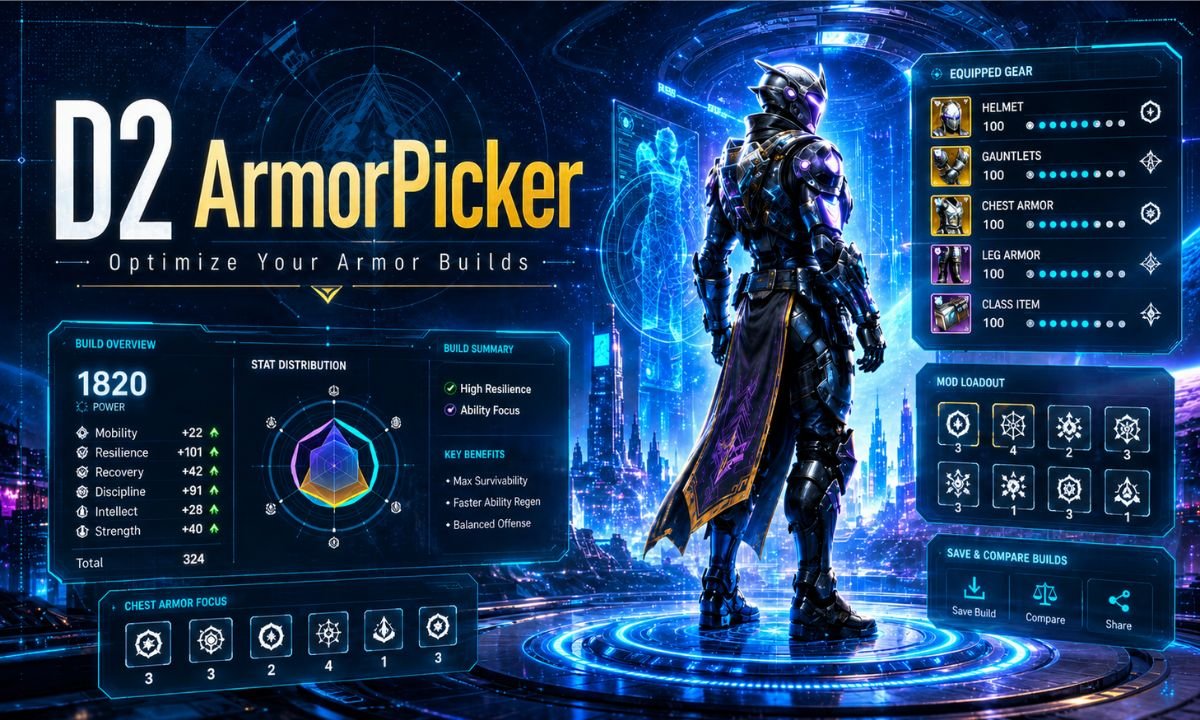
After you choose your focus, ArmorPicker runs its algorithm and gives you the best possible combinations of armor pieces. It shows you the final build and the total stat distribution.
You can compare different builds and pick the one that suits you best. This process takes seconds, saving time and effort.
Step 4: Applying Mod Choices
The tool also suggests which mods you should use to reach your desired stats. These mod suggestions are part of what makes ArmorPicker powerful. Instead of guessing which mod goes where, you now have a clear plan.
Step 5: Load and Play
After getting your build from ArmorPicker, you just apply it in Destiny 2. Put on the recommended armor pieces and mods and go play. Many players see immediate improvement in performance because they are using optimized setups.
Important Features of D2 ArmorPicker
To better understand why this tool is helpful, let’s talk about its main features.
| Feature | What It Does |
| Armor Scanning | Reads all armor you have in vault and characters. |
| Stat Prioritization | Lets you choose which stats you want highest. |
| Build Suggestions | Shows the best combination of armor pieces and mods. |
| Real‑Time Optimization | Works instantly, no long wait times. |
| Activity Specific Builds | Helps for PvE, PvP, raids, Nightfalls, and more. |
Many Destiny 2 players don’t know exactly how stats affect gameplay. ArmorPicker helps them learn by showing how different distributions change performance.
Best Ways to Use D2 ArmorPicker
Knowing how to use the tool is one thing. Knowing how to use it smartly is another. Here are some tips that many Guardians do not think about at first.
First, always update your armor pool. If you earn a better roll on a piece, add it to your inventory. The better your gear data, the better the builds ArmorPicker can suggest.
Second, play around with priorities. Sometimes a stat that seems low might be more important than you think. For example, high discipline can mean faster grenade recharge. In some game modes, this can be more important than raw strength or resilience.
Third, don’t just use the first build you see. ArmorPicker often gives several options. Try different builds for different activities. The stats you want for PvP might not be the same for raids.
Fourth, understand your mods. ArmorPicker suggests them, but knowing why those mods matter helps you learn the game better. This way, you can eventually create builds even without the tool.
Fifth, use the tool before every major Destiny 2 patch. Sometimes updates change how stats or mods work. Running new builds after a patch makes sure you always stay optimized.
Common Mistakes Players Make With ArmorPicker
Even though d2 armorpicker is easy to use, players sometimes make mistakes that reduce its effectiveness.
One common mistake is not syncing the latest armor. If you recently dismantled or infuse armor, but ArmorPicker still sees old gear, your builds may not be accurate.
Another mistake is ignoring mods. Some players only focus on stats and forget that mods can change how builds perform. Always look at the suggested mods and apply them too.
A third mistake is copying builds from other players without adjusting them to your own armor. Every player has different gear. A build that works for someone else might not be possible for you if your armor pool is different.
Some players also use ArmorPicker only for high stats. While high stats are good, sometimes balanced stats give better results in specific modes. It helps to test builds in practice before finalizing them.
Is D2 ArmorPicker Safe to Use?
Security is an important concern for many players. With online tools, people often ask: “Will this get me banned?” or “Is my account safe?”
The good news is that d2 armorpicker uses the official Bungie authentication system. This means you log in through Bungie.net, not directly on ArmorPicker. The tool never sees your username or password.
It only accesses your armor data. This is the same permission you always give when linking external tools. Many tools used by Destiny 2 players work this way. ArmorPicker does not change your gear or interact with your account beyond reading data.
So yes, ArmorPicker is safe to use. Just make sure you always log in through the official Bungie login page and check that the site you are on is the correct one.
How ArmorPicker Improves Your Destiny 2 Gameplay
It is not just about convenience. d2 armorpicker improves gameplay in real ways. Imagine you have a raid coming up and you need top tier stats. If you spend hours trying to find the best armor, you lose valuable time playing the activity itself.
ArmorPicker puts the power back in your hands. You spend less time planning and more time playing.
Players also notice fewer mistakes once they start using it. No more guessing which piece is better or which mod to use. The confidence that comes from optimized builds helps players perform better in both solo and team content. Another benefit is learning. After using ArmorPicker a few times, players begin to understand how stats affect gameplay. For gamers who want to explore broader tips and updates, resources like PC Gamer offer expert advice on optimizing gameplay and understanding trends in the gaming world. This knowledge helps even when they do not use the tool.
Final Thoughts on D2 ArmorPicker
In a game like Destiny 2, where armor stats make a real difference in performance, having a tool like d2 armorpicker changes the way you play. It turns a long and confusing process into a quick smart choice.
Whether you are a beginner trying to figure out how stats work or an experienced Guardian seeking top performance, ArmorPicker benefits all levels of players. It saves time, helps learn stat impact, and gives confidence to quickly build powerful loadouts.
Many players find that once they start using ArmorPicker, they never go back to manual planning. It becomes part of their Destiny 2 routine.
If you haven’t tried it yet, give it a chance. You may be surprised how much it improves your gameplay.
Frequently Asked Questions
- What is D2 ArmorPicker?
D2 ArmorPicker is a web tool for Destiny 2 that helps players find the best armor combinations based on stats, mods, and gameplay goals. - Is D2 ArmorPicker safe to use?
Yes. It uses the official Bungie authentication system and only reads your armor data without accessing your password or changing your account. - How do I use D2 ArmorPicker to optimize my gear?
Log in with your Bungie account, sync your armor, choose the stats you want to prioritize, and the tool generates optimized builds with suggested mods. - Can D2 ArmorPicker improve my gameplay in PvP and PvE?
Absolutely. Optimized builds from ArmorPicker allow faster cooldowns, higher resilience, and better overall performance for both PvP and PvE activities. - Do I need all rare or exotic armor to use D2 ArmorPicker effectively?
No. ArmorPicker works with any armor you own. The more pieces you have, the better the build suggestions, but it does not require rare or exotic gear.